

If you have ever written a perfect SELECT query and felt unstoppable, the next moment in IB Computer Science is humbling: real databases don’t just read data, they change it. And changing data is where marks (and disasters) happen.
In exams, you are rarely rewarded for flashy syntax. You are rewarded for control: knowing exactly which rows will be affected, why they will be affected, and what could go wrong if you miss one key detail.

Quick checklist: what examiners want for IB Computer Science
Before you memorise commands, anchor the intent (this is the fastest way to score in IB Computer Science):
-
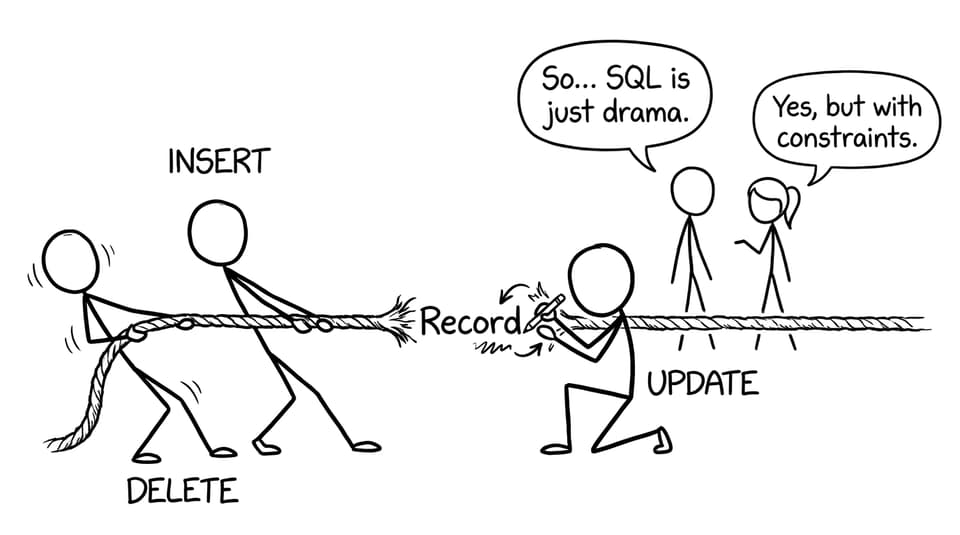
INSERT adds a new record (new row)
-
UPDATE changes existing data (one or more fields)
-
DELETE removes records (rows) permanently
-
WHERE controls which rows get changed or removed
-
Mention data integrity risks: wrong types, duplicate primary keys, accidental mass updates
If you want the bigger SQL picture first, pair this with IB Computer Science: Introduction to SQL for Exams and then drill retrieval patterns in SELECT Queries Explained Step by Step.
Why INSERT, UPDATE, and DELETE matter in IB Computer Science
Databases are living systems. A school database changes when a student enrolls, when an address changes, or when an old account is removed. In IB Computer Science, these “real world edits” are exactly what SQL data modification commands represent.
If your definitions of “database” feel fuzzy, this short piece helps you phrase it in examiner-friendly language: What Is a Database? IB Computer Science Definition.
INSERT explained (adding new rows safely)
An INSERT statement creates a new row in a table. It does not edit existing rows; it simply adds a fresh record.
Typical exam-safe structure:
INSERT INTO Students (StudentID, FirstName, LastName)
VALUES (101, 'Amina', 'Khan');
In IB Computer Science, you get extra credit when you mention what can break:
-
Primary key uniqueness:
StudentIDcan’t duplicate an existing ID -
Data types: numbers vs text must match the field type
-
Required fields:
NOT NULLfields must be provided
For more syllabus-aligned practice, use the focused notes page: A3.3.3 Using SQL to Update Data in a Database.
UPDATE explained (the WHERE clause is the whole story)
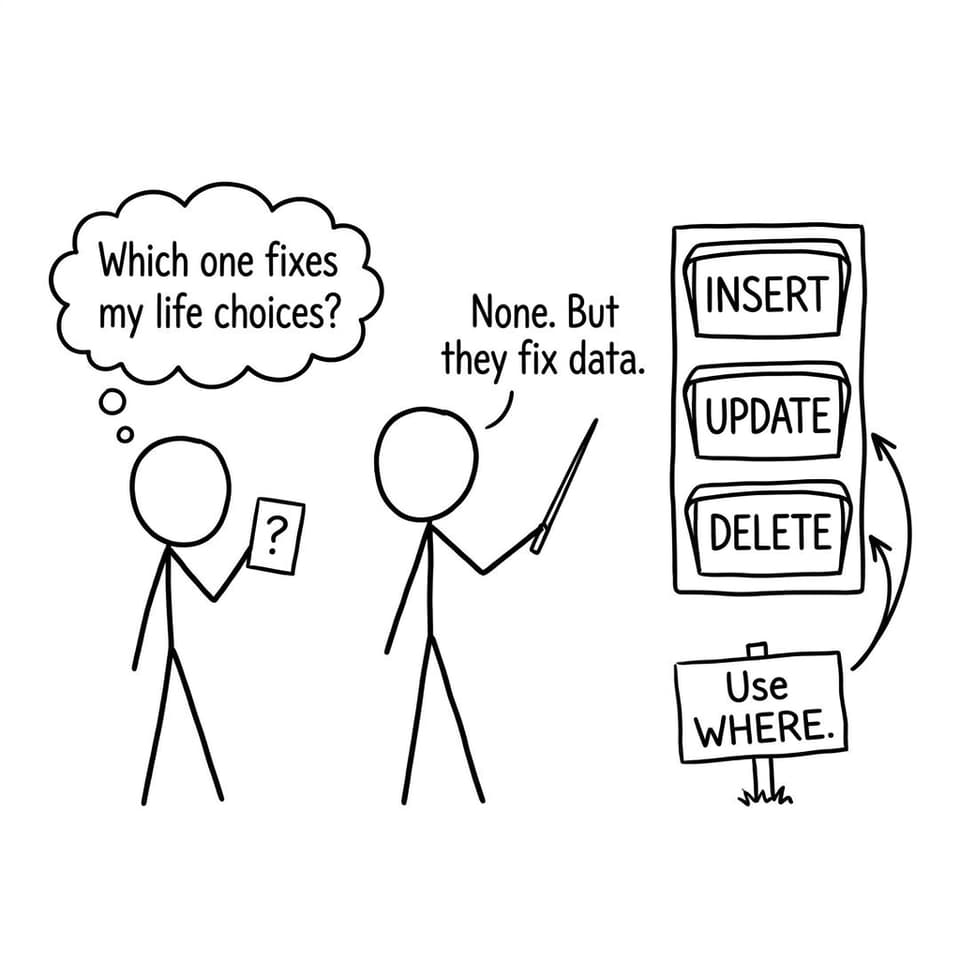
An UPDATE statement modifies existing rows. The command is powerful because it can change one row… or every row… depending on your WHERE clause.
UPDATE Students
SET Address = '12 Green Road'
WHERE StudentID = 101;
In IB Computer Science markschemes, the high-value sentence is simple: Without WHERE, every record may be updated. That’s not just a warning; it’s the conceptual core.
If you want to build stronger explanations, connect this to integrity concepts: IB Computer Science: Data Integrity vs Consistency.
DELETE explained (removing rows, not columns)
A DELETE statement removes rows from a table. It is usually treated as permanent at the exam level (because you’re not expected to rely on recovery tools).
DELETE FROM Students
WHERE StudentID = 101;
The same rule returns: Without WHERE, every record may be deleted. In IB Computer Science, that is the key risk statement examiners expect.
A nice extension point (especially in longer answers) is backups: if something goes wrong, how would an organisation recover? See IB Computer Science: Database Backups and Recovery.
Common IB Computer Science mistakes (and how to sound precise)
Students often lose marks by being vague. Try these precision upgrades:
-
Don’t say “UPDATE changes the table” -- say “UPDATE changes field values in existing rows.”
-
Don’t say “DELETE removes data” -- say “DELETE removes records (rows) that match the condition.”
-
Always mention WHERE for UPDATE/DELETE as a safety control.
-
Tie to integrity: keys, data types, constraints.
For a complete, exam-first databases plan, keep this open during revision: The Best Way to Revise Databases for IB Computer Science and the broader map: Databases to Learn for IB Computer Science (Exam Focus).
FAQ: INSERT, UPDATE, DELETE in IB Computer Science
How do I explain INSERT vs UPDATE in an IB Computer Science answer?
In IB Computer Science, explain it in terms of rows. INSERT adds a new row (a new record) to a table, so it is used when the entity did not exist before. UPDATE changes existing rows, so it is used when the entity already exists but some attribute is wrong or has changed. A strong answer also states what does not happen: INSERT does not modify existing records, and UPDATE does not create a new record. If you can, add a one-line example scenario like “new student enrolls” (INSERT) vs “student changes address” (UPDATE). Finally, mention constraints: both can fail if data types are wrong or rules are violated.
Why is WHERE so important for UPDATE and DELETE in IB Computer Science?
Because WHERE is how you target the intended records in IB Computer Science exam questions. Without WHERE, an UPDATE can change every row in a table, and a DELETE can remove every row in a table. Examiners love this point because it shows you understand cause and effect, not just syntax. A high-scoring explanation explicitly states the risk and the consequence (for example, “all student grades could be overwritten”). You can also describe WHERE as a filter condition that selects which records match before the change is applied. If you want to go one level deeper, connect it to data integrity: WHERE reduces accidental corruption of valid data.
How should I practise these commands for IB Computer Science exams?
Start by writing queries by hand, because that is how you are assessed in IB Computer Science. Choose a simple table, then practise one safe example each for INSERT, UPDATE ... WHERE, and DELETE ... WHERE. After that, practise explaining the effect in words: which rows are affected, which fields change, and what stays unchanged. Then add one “spot the bug” exercise where the WHERE clause is missing and you explain the damage it would cause. On RevisionDojo, you can combine Study Notes with active recall using Flashcards, then test yourself using the Questionbank and AI Chat to tighten your wording. If you want a structured hub for this topic, use IB Computer Science A. Databases and the exam-focused update section: A3.3.3 Using SQL to Update Data in a Database.
Closing: the calm way to earn marks in IB Computer Science
INSERT, UPDATE, and DELETE are small commands with big consequences, which is exactly why IB Computer Science examiners keep coming back to them. Learn the purpose of each, treat WHERE like a safety belt, and practise explaining outcomes in clear cause-and-effect sentences.
When you are ready to make this automatic, RevisionDojo is built for it: Study Notes for clarity, Flashcards for recall, the Questionbank for exam-style drilling, AI Chat for instant feedback, and Grading tools, Predicted Papers, Mock Exams, a Coursework Library, and Tutors when you need an extra layer of confidence. Keep your SQL clean, your WHERE clauses specific, and your exam answers unmistakably precise -- that is how you win database marks in IB Computer Science.