

If you’ve ever watched someone demo a flawless IA program and still walk away disappointed, you’ve seen the quiet truth of IB Computer Science: the grade is built on evidence, not vibes. Your product matters, but your documentation is what proves you understood the problem, designed intentionally, developed logically, tested rigorously, and evaluated honestly.
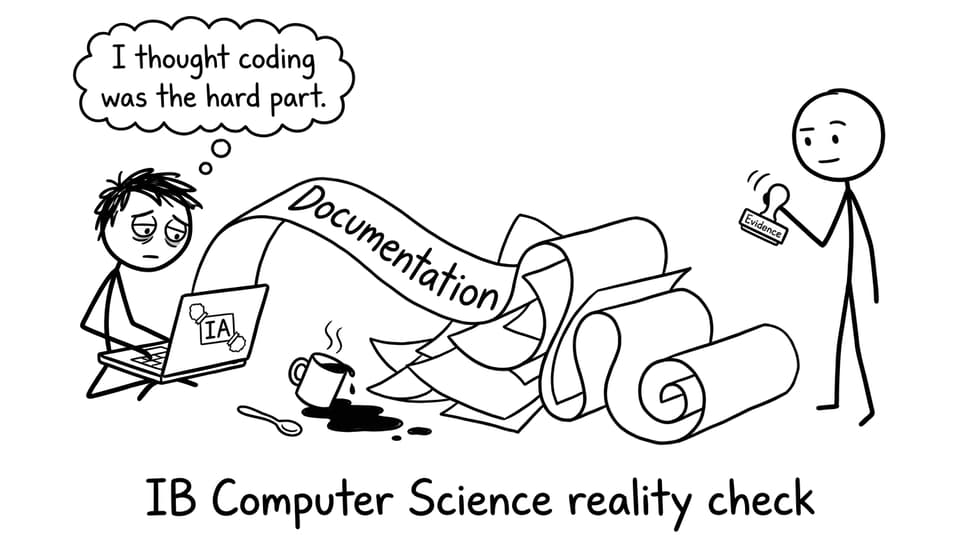
This guide shows how to write documentation that feels calm, clear, and rubric-aligned -- without turning your IA into a novel. If you want a bigger overview of the entire project (not just the write-up), keep this open too: IB Computer Science Internal Assessment (IA): Ultimate Guide.
A quick checklist for IB Computer Science IA documentation
Use this as your “did I forget something obvious?” filter for IB Computer Science IA documentation:
-
A real client and a real problem, explained simply
-
Measurable success criteria linked to client needs
-
Design evidence (diagrams, data choices, algorithm plans)
-
Development evidence (annotated snippets, not code dumps)
-
Testing evidence (normal, boundary, abnormal cases + results)
-
Evaluation with client feedback and specific improvements
Start with a problem story, not a feature list
Your first pages should read like a small, believable story: someone has a problem, it wastes time or creates errors, and you’re building a solution that can be judged against clear criteria.
In IB Computer Science, this is where many IAs quietly collapse: students describe an “app idea” instead of a client need. If you’re still unsure whether your client is strong enough, this helps: How to Choose a Good Client for Your IB Computer Science IA.
What to include in problem identification
-
Who the client is and how you contacted them
-
The current workflow (what they do now)
-
Constraints (time, device, data privacy, usability)
-
Success criteria written so you can test them later
If you want topic inspiration that naturally produces good documentation, see: IB Computer Science IA Topics That Actually Score Well.
Design documentation: show your thinking before you code
Design is not decoration. In IB Computer Science, good design pages make the rest of your IA easier because they explain why your solution looks the way it does.
Include diagrams that communicate structure (not artistic skill): flowcharts, UML, screen plans, database schema, or data flow. Tie each major design choice back to a success criterion.
Need to strengthen the “CS thinking” behind your decisions? RevisionDojo’s topic hub is useful for quick theory refreshers: IB Computer Science Resources.
Development: annotated snippets beat giant code blocks
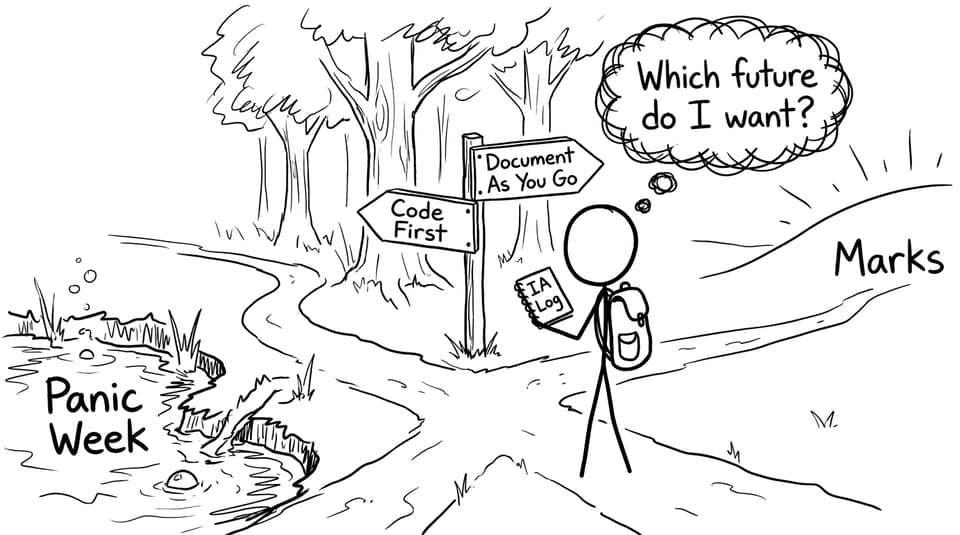
The fastest way to lose a reader (and marks) is a wall of code with no explanation. In IB Computer Science IA documentation, you want short, targeted snippets that prove complexity and decision-making.
A simple rule for development pages
For each key feature, include:
-
The goal (linked to a criterion)
-
The snippet (small)
-
What the algorithm/data handling does
-
Why you implemented it this way
If you’re worried about whether your solution has “enough” complexity, this is worth reading: How Many Lines of Code Should My IB Computer Science IA Have?.
Testing: make it look like evidence, not reassurance
Testing isn’t you saying “it works.” Testing is you demonstrating coverage. In IB Computer Science, a strong test table is one of the cleanest ways to show discipline.
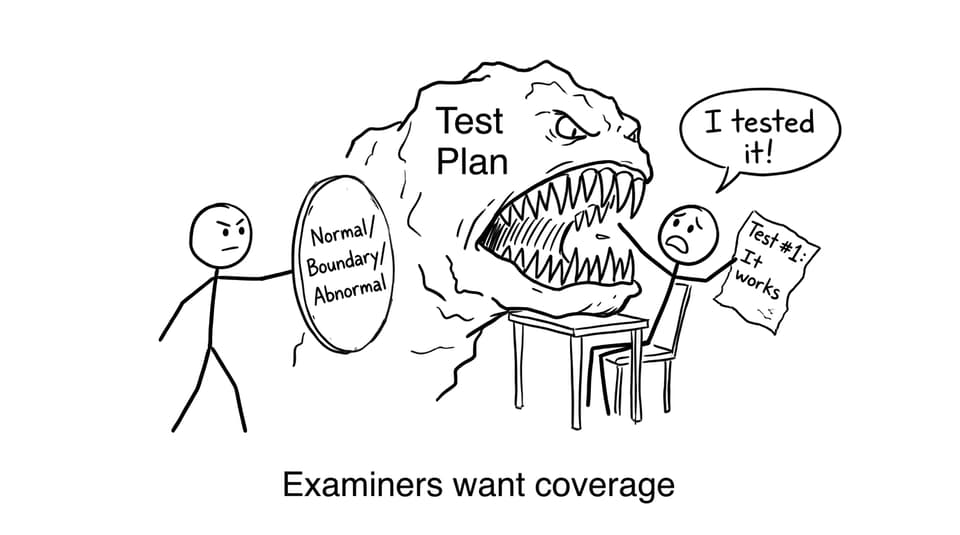
What your test plan should contain
-
Normal cases (typical inputs)
-
Boundary cases (edge limits)
-
Abnormal cases (invalid inputs, error handling)
-
Expected vs actual results
-
Evidence (screenshots/output) and client notes when possible
To avoid the classic traps students fall into, skim: Mistakes to Avoid in the IB Computer Science IA.
Evaluation: prove the criteria, then reflect like an engineer
Evaluation is not a feature recap. In IB Computer Science, it’s the moment you return to the success criteria and judge the product honestly.
A strong evaluation:
-
States whether each criterion was met (with evidence)
-
Includes client feedback (quoted or summarised)
-
Identifies limitations (specific, not vague)
-
Proposes improvements that are realistic and clearly scoped
If you want a quick way to check whether your write-up hits what examiners reward, use: IB Computer Science IA Grader.
How RevisionDojo helps you write stronger IB Computer Science documentation
When you’re revising for exams while finishing coursework, structure matters. RevisionDojo helps IB Computer Science students keep documentation clean by turning “I think I did enough” into “I can prove it.”
Use the Coursework Library to see what strong evidence looks like in real IAs: IB Computer Science Exemplars. Then use AI Chat to pressure-test your success criteria wording, convert weak reflections into measurable evaluation points, and polish explanations so they match command-term clarity.
For exam momentum alongside IA work, pair Study Notes, Flashcards, and the Questionbank from the hub: IB Computer Science Notes.
Conclusion: write documentation like you’re leaving a trail of proof
The strongest IB Computer Science IAs feel simple when you read them because every section points to evidence. Start with a real client problem. Lock measurable success criteria. Document design before you build. Use annotated snippets, not code dumps. Test for coverage, then evaluate with honesty.
If you want your documentation to be clearer (and your exam prep to stay on track), use RevisionDojo as your system: Study Notes to stay precise, Flashcards to keep terminology sharp, Questionbank and Mock Exams to train under pressure, Predicted Papers for targeted practice, and the IA Grading tools plus AI Chat to keep your write-up rubric-ready. Your program shows what you built. Your documentation shows how you think -- and in IB Computer Science, that’s what earns marks.