
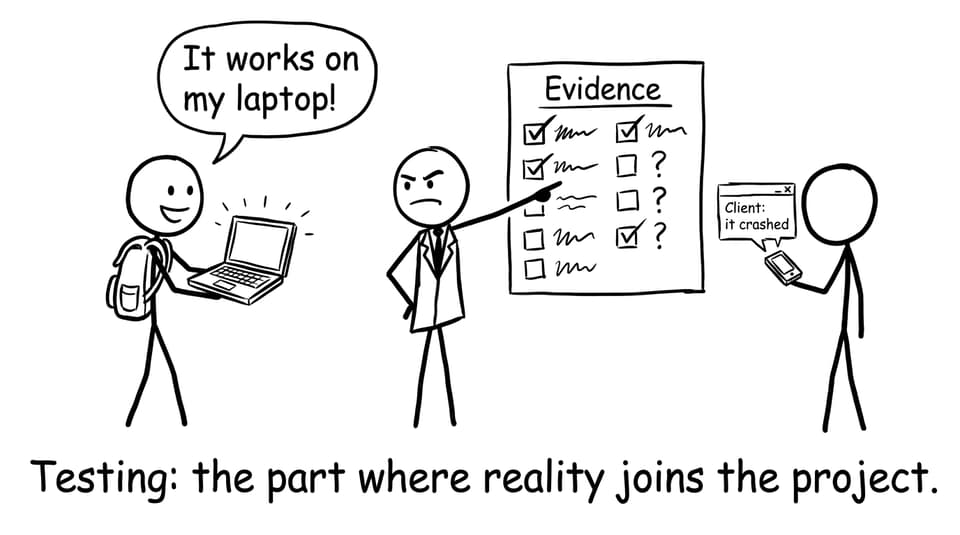
Testing is the moment your IA stops being a private idea and becomes something that has to survive real use. In IB Computer Science, that shift matters because marks don’t come from hoping your solution works; they come from proving it, then thinking clearly about what your proof means.
A lot of students treat testing like an afterthought: a few screenshots, one “worked” sentence, and then straight into submission. But examiners are looking for structured evidence and honest reflection. The good news: you don’t need hundreds of test cases. You need the right ones, presented well.
Quick checklist for IB Computer Science IA testing
-
Write a test plan before you finish coding.
-
Include normal, boundary, and abnormal cases.
-
Record expected vs actual results in a table.
-
Capture evidence (screenshots, outputs, logs).
-
Run client testing and document feedback.
-
In your evaluation, link everything back to success criteria.
If you want the rubric context before you write, keep this open: What the IB Computer Science IA Rubric Looks For.
How to test your IB Computer Science IA solution effectively
Testing in IB Computer Science is strongest when it looks planned, not improvised. Start with a simple table: test ID, feature, input, expected output, actual output, pass/fail, and evidence reference.
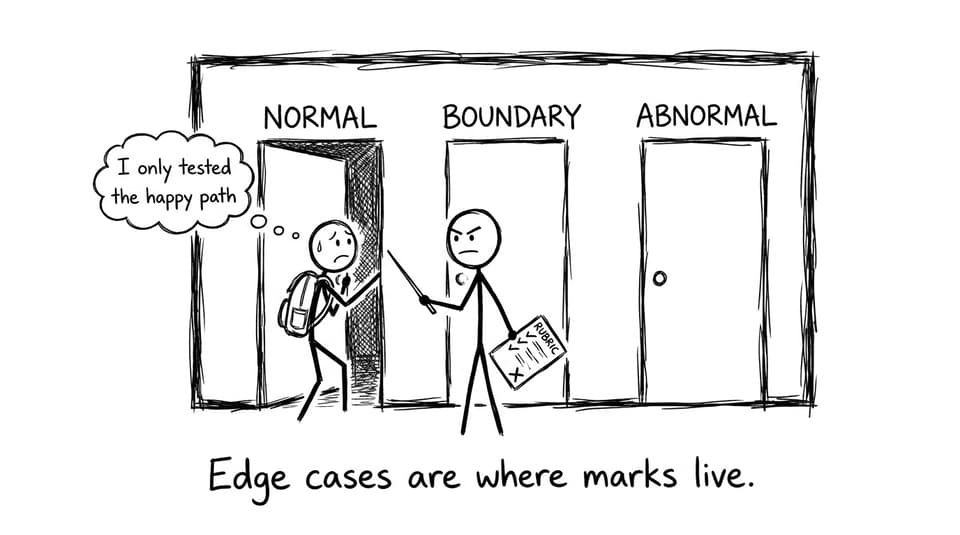
Cover normal, boundary, and abnormal cases
A strong IB Computer Science test plan shows range:
-
Normal cases: typical input a real user would enter.
-
Boundary cases: edges like minimum/maximum values, empty fields, or last item in a list.
-
Abnormal cases: invalid types, impossible dates, wrong formats, duplicate entries, or unexpected clicks.
Make evidence effortless to follow
Examiners should never have to guess what happened.
-
Use screenshots with a short annotation: what input was used, what output appeared, why it passes.
-
Reference each screenshot from your test table (e.g., “Fig. 7”).
-
If a test fails first time, keep it. In IB Computer Science, a fixed bug with evidence is often more convincing than a magically perfect first run.
Involve your client like it’s a feature
Client testing isn’t a formality; it’s authenticity.
-
Let your client complete 2-3 realistic tasks.
-
Record what they did, what confused them, and what they requested.
-
Include a short quote or summary, then connect it to a success criterion.
For common IA traps (including weak testing), see: Mistakes to Avoid in the IB Computer Science IA.
How to evaluate your IB Computer Science IA (without repeating testing)
Evaluation is where you explain what the evidence means. In IB Computer Science, this is the difference between “I tested it” and “I understand my solution.”
Tie your evaluation to success criteria
Go criterion by criterion:
-
State whether it was met.
-
Cite the test evidence.
-
Add client feedback where relevant.
Then add two honest sections:
-
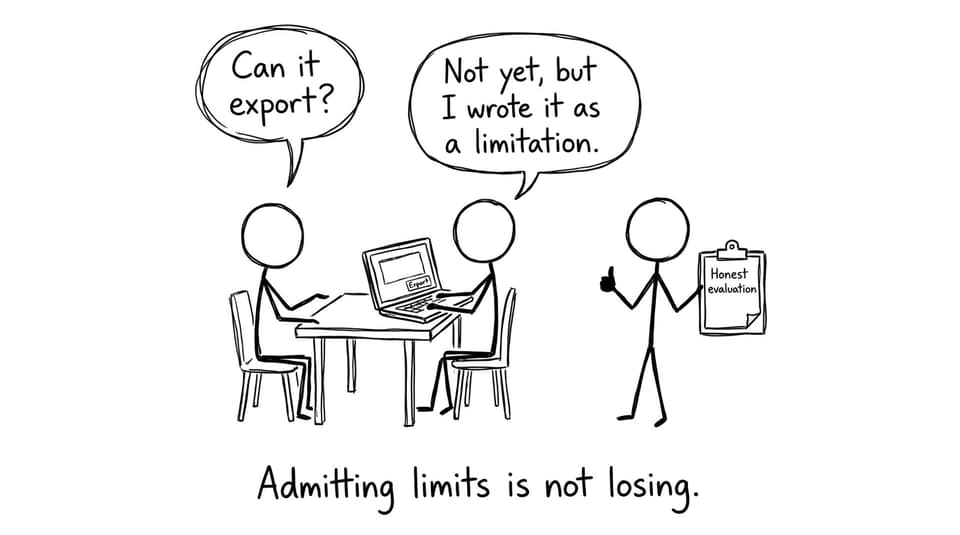
Limitations: what the solution cannot do, or where performance/usability breaks down.
-
Realistic improvements: what you would build next and why it matters to the client.
If you want a deeper walkthrough, use: Full Marks for the IB Computer Science IA Evaluation Section.
How RevisionDojo supports IB Computer Science students
When deadlines tighten, structure saves you. RevisionDojo helps IB Computer Science students turn messy work into examiner-ready evidence with the Coursework Library, Grading tools, and AI Chat to refine explanations. Use the Questionbank, Study Notes, and Flashcards to keep exam skills sharp while you finish the IA, then switch to Predicted Papers and Mock Exams for timed practice. If you need a second set of eyes, Tutors can help you stress-test your success criteria and evaluation.
Start here: IB Computer Science Resources Hub and pair it with IB Computer Science Notes.
Conclusion
Strong testing and evaluation in IB Computer Science isn’t about doing more; it’s about showing clearer proof. Build a test plan with normal, boundary, and abnormal cases, collect evidence that’s easy to follow, and involve your client so your solution feels real. Then evaluate by returning to success criteria, stating what worked, what didn’t, and what you’d improve next.
If you want your IB Computer Science IA to look professional and examiner-ready, use RevisionDojo’s Grading tools, Coursework Library, and AI Chat to tighten your testing tables and evaluation writing; then shift into Questionbank and Predicted Papers to prepare for the exams.