Managing time on an IB Design Technology IA is less about motivation and more about constraints.
Every student starts with good intentions. Then the project quietly expands: one more interview, one more sketch, one more prototype tweak. And suddenly you’re “busy” every week but not actually moving toward a finished, assessed report.
If you’re doing IB Design Technology, your best advantage isn’t working harder. It’s choosing a timeline that forces decisions early, protects your energy, and still leaves room for exam prep.
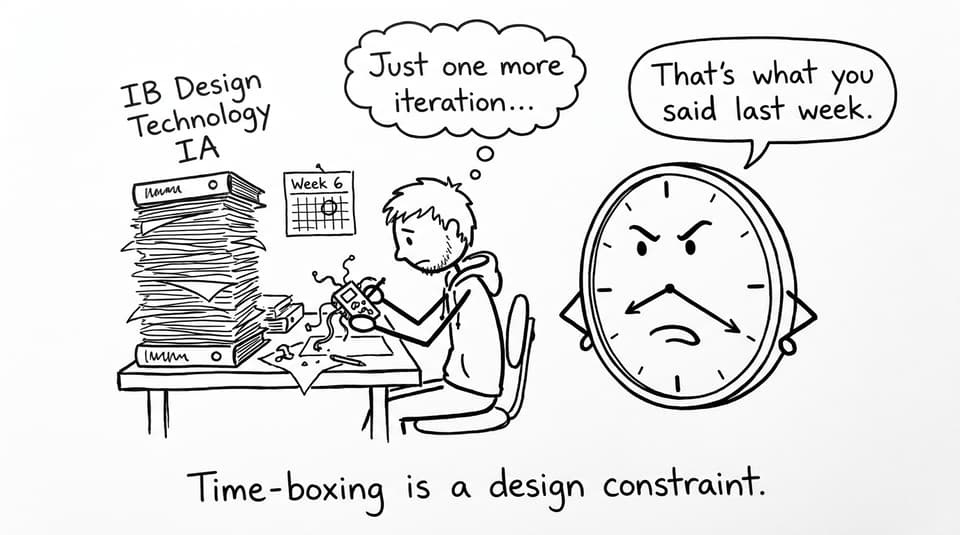
A quick IA time plan (steal this)
Use this checklist as your default for IB Design Technology IA time management:
-
Lock a problem + real user by the end of Week 2
-
Finish “enough research” by Week 4 (enough to justify specs)
-
Choose a single direction by Week 6 (no endless ideation)
-
Run 1-2 prototypes by Week 10 (document everything)
-
Reserve the final stretch for testing + evaluation + writing polish
If you need a one-page home base while you work, start with the IB Design Technology resources hub and keep it open whenever you plan your next session.
Build your timeline around the design cycle (not vibes)
The IA rewards clear evidence across the design cycle: identify, research, develop, create, evaluate. That sounds obvious, but time disappears when you treat these stages like moods instead of milestones.
A practical move is to map your calendar to the design cycle itself, then add mini-deadlines you can actually meet. If you want the cycle explained in a way you can apply immediately, read How the IB Design Cycle Shapes the Subject. It’s the fastest way to make your timeline match what examiners look for.
The “two clocks” rule: IA clock and exam clock
Here’s the quiet problem: your IB Design Technology IA competes with exam preparation.
So run two clocks:
-
IA clock: 3-4 sessions per week, time-boxed (45-60 minutes)
-
Exam clock: daily minimum (flashcards + a few questions)
RevisionDojo makes this realistic because the tools are already split by purpose: Study Notes for quick clarity, Flashcards for retention, and Questionbank practice to keep exam skills alive.
Research faster by hunting decisions, not information
Most IA delays aren’t caused by laziness. They’re caused by “research comfort.” Research feels productive because it’s safe. No one can criticize a Google Doc full of sources.
But in IB Design Technology, research only matters if it changes a decision:
-
your design specifications
-
your chosen materials/processes
-
your success criteria and tests
When you can justify those, you move on.
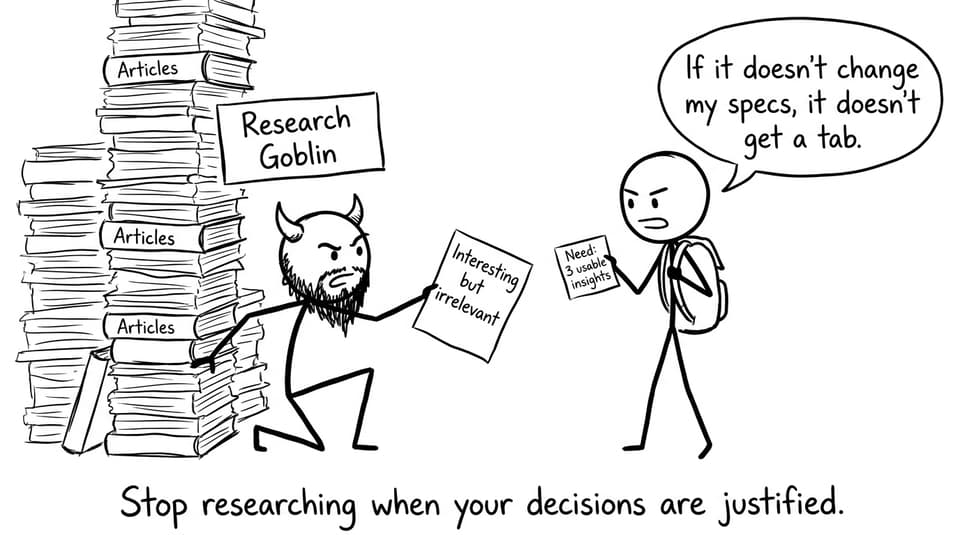
To stay efficient, use this rule:
If it doesn’t change your specs, it doesn’t earn more time.
When you’re unsure what “good” looks like, calibrate using IB Design Technology IA Examples: What Top Projects Look Like. It helps you see the difference between “a lot of research” and “useful research.”
Idea development: limit options on purpose
A strong IB Design Technology IA shows exploration, but it doesn’t reward infinite brainstorming.
Try this structure:
-
Generate 3 quick concepts (fast sketches, not masterpieces)
-
Evaluate with a simple pros/cons table linked to specs
-
Commit to one direction and write why it wins
If you’re worried you’re drifting into common traps (too broad problem, unclear user, vague evaluation), use Common IB Design Technology IA Mistakes and How to Fix Them as a mid-project reset.
Prototyping: time-box iterations and document relentlessly
Prototyping is where time goes to disappear. It’s also where many students accidentally chase “perfect product” instead of “assessed process.”
For IB Design Technology, set a hard cap:
-
Prototype 1: prove the core mechanism/ergonomics works
-
Prototype 2 (optional): improve one measurable weakness
Then document like your marks depend on it (because they do): photos, test data, reflections, design changes. If you want rubric-aligned feedback as you draft, the Design Technology (First Exam 2027) IA Grader can help you prioritize the edits that actually raise your score.
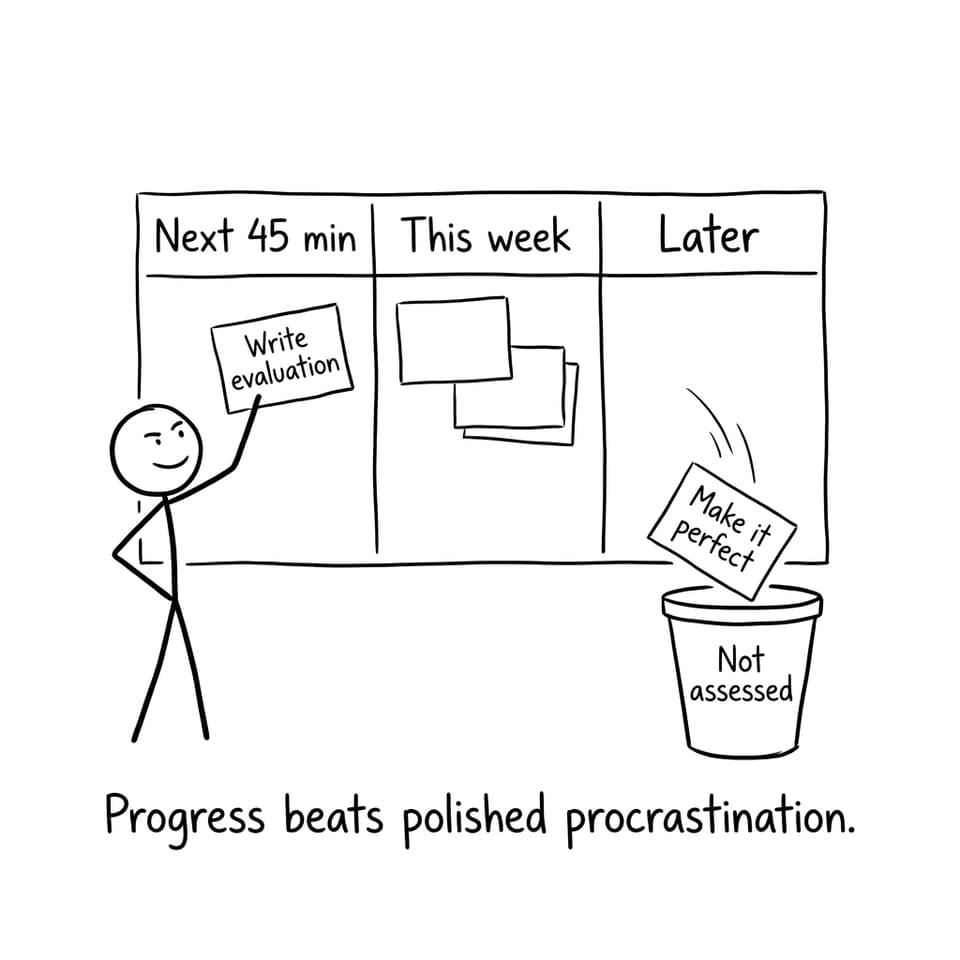
Keep RevisionDojo as your “single tab” system
A big reason students lose time is tool-switching: notes in one place, exemplar hunting in another, practice questions somewhere else. You burn hours just reorganizing your own attention.
A calmer workflow for IB Design Technology:
-
Use Study Notes to clarify one small concept you need today
-
Use Flashcards for daily recall (tiny sessions still count)
-
Use the Questionbank to keep exam technique sharp
-
Use AI Chat when you’re stuck on “why is this not high-mark?”
-
Use Grading tools to turn feedback into a short to-do list
-
Use Mock Exams and Predicted Papers when exams get closer
-
Use the Coursework Library via IB Design Technology (First Exam 2027) Exemplars to see real standards
-
Use Tutors when one strategy session would save you a week of wandering
If you want a broader time-management system that works across subjects, Best Time Management Hacks for IB Students pairs well with this IA plan.
Conclusion: treat time as your most important material
Your IB Design Technology IA becomes manageable when you treat time like a design constraint: limited, measurable, and worth protecting.
Plan by design cycle stages, stop research when it justifies decisions, cap your prototypes, and keep documentation moving weekly. Then use RevisionDojo to keep everything in one place: the IB Design Technology hub, Questionbank, Study Notes, Flashcards, AI Chat, Grading tools, Predicted Papers, Mock Exams, the Coursework Library, and Tutors when you want a faster route.
Start here and build your timeline today: Design Technology (DT) - IB Resources - RevisionDojo