



In IB Design Technology, the most painful marks to lose are the ones you already earned.
Not because your idea was weak, or your prototype failed, or your CAD file crashed at 2 a.m.
But because you didn’t capture the moment it mattered.
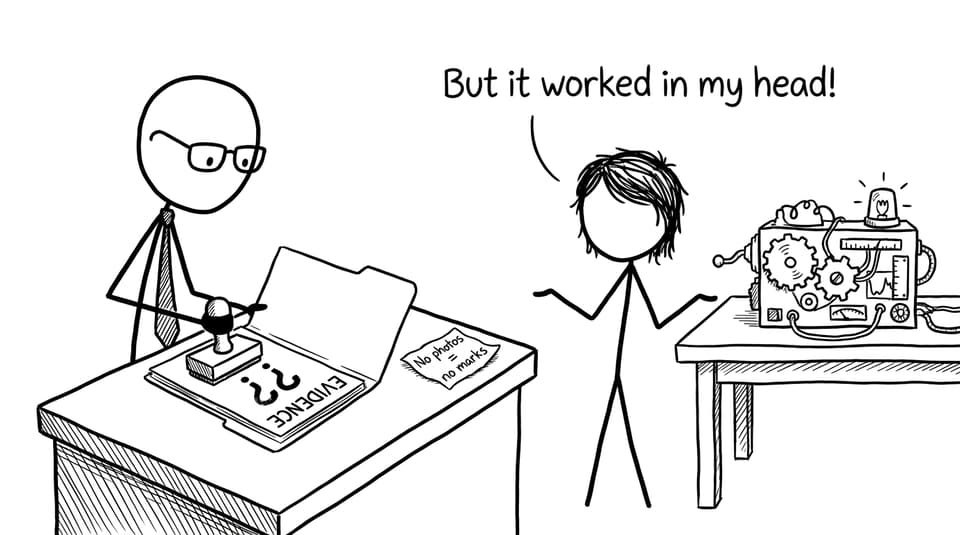
Examiners can’t reward what they can’t see. And in IB Design Technology, your process is the evidence of your thinking: how you defined a real problem, tested real decisions, and iterated like a designer instead of guessing like a student.
This guide shows you how to document your IB Design Technology process in a way that feels calm, realistic, and examiner-friendly.
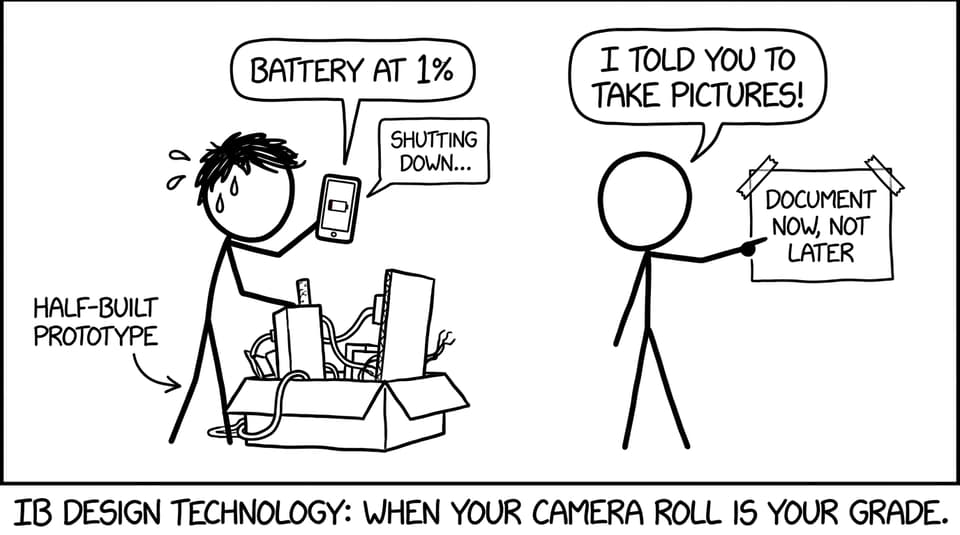
A quick documentation checklist you can start today
If you do nothing else, do these eight things consistently in your IB Design Technology project:
-
Keep one living logbook (digital is easiest).
-
Date every entry (yes, every one).
-
Add at least one visual per work session (photo, sketch, screenshot).
-
Annotate visuals with why you did something, not just what you did.
-
Store evidence in folders that match the design cycle.
-
Record user feedback in the moment (quotes, photos, quick forms).
-
Write short reflections weekly (3-6 sentences).
-
Back everything up automatically.
If you want a clean home base for DT content and exam support, start with the IB Design Technology hub.
Think like an examiner: documentation is your mark-earning proof
A strong prototype can be misleading. A messy prototype can be brilliant.
What separates them, in IB Design Technology, is the trail: research that shaped decisions, tests that revealed trade-offs, and reflections that prove you understood consequences. That’s why documentation isn’t “extra.” It’s the only way an examiner knows whether you applied the design cycle with intention.
If you want a clear refresher on the structure you’re meant to show, read How the IB Design Cycle Shapes the Subject. Then document in that same rhythm.
Set up a logbook that makes documenting automatic
Your logbook should feel boring in the best way: predictable, repeatable, and impossible to “forget.” In IB Design Technology, the best logbooks aren’t the prettiest. They’re the most consistent.
The simplest structure that works
Use one document or notebook with these repeating sections:
-
Today’s goal (one sentence)
-
What I did (bullets)
-
Evidence (photos, sketches, screenshots)
-
Decision(s) + reason(s) (the marks live here)
-
Next step (one bullet)
Make that your default template. If you’re working digitally, duplicate the page each session.
To see how DT students build routines that actually stick, pair this with Best Study Strategies for IB Design Technology Students.
Map every piece of evidence to the design cycle
In IB Design Technology, organisation is a scoring strategy. When your portfolio is structured around the design cycle, you reduce examiner effort. And when you reduce examiner effort, you reduce the chance they miss your best thinking.
A practical folder system:
-
01 Identify/Problem
-
02 Research
-
03 Develop Ideas
-
04 Create/Prototype
-
05 Test/Evaluate
-
06 Final
Inside each folder, name files with dates:
-
2026-09-14_user-interview-notes.pdf -
2026-10-02_prototype-v2-test-video.mp4 -
2026-10-03_cad-iteration-v3.png
If you want syllabus-aligned clarity on the “design process” language, use Notes for B2.1 The design process alongside your own evidence.
Capture visuals that prove iteration (not perfection)
The easiest way to lose IB Design Technology marks is to show only the final version of something.
Examiners love sequences:
- Sketch 1 (naive) -> Sketch 2 (constraint-aware) -> CAD -> Prototype -> Test result -> Revision
What to photograph or screenshot every time
-
Early hand sketches (do not redraw them later)
-
Material tests (before/after, failures included)
-
Prototypes from multiple angles
-
Screenshots of CAD changes (with version labels)
-
Testing setups (so methods look credible)
-
User interaction moments (with permission)
The annotation rule: label decisions, not objects
Instead of: “hinge mechanism”
Write: “Switched to hinge mechanism to reduce friction and improve one-handed use after user test #2.”
That one sentence is classic IB Design Technology value: a change, a reason, and evidence.
To strengthen your prototyping vocabulary for both coursework and exams, practise with the B2.2 Modelling and Prototyping Questionbank.
Write reflections that sound like design thinking
Reflection in IB Design Technology is not a diary. It’s an argument: “Here is what happened, here is what it means, here is what I will change.”
A reliable reflection structure:
-
Observation: What happened?
-
Interpretation: Why did it happen?
-
Decision: What will I do next?
-
Justification: Why is that the best next step?
If you can write 4 sentences like that each week, your documentation becomes a storyline of reasoning.
If you get stuck on how to word evaluation in a marks-focused way, RevisionDojo’s AI Chat can help you translate messy thinking into clear, criterion-style language (without inventing evidence). Combine that with Study Notes and Flashcards so the key DT terms actually stick under exam pressure.
Show user feedback like a designer (not like a checkbox)
User feedback is one of the fastest ways to make your IB Design Technology documentation feel real.
But “My user liked it” isn’t feedback. It’s a compliment.
Make feedback specific and usable
Collect:
-
Short surveys (5 questions max)
-
One recorded interview (even 2-3 minutes)
-
A photo sequence of a user testing
-
Direct quotes (one line each)
Then document the impact:
- “User couldn’t locate the grip point -> added texture + changed shape -> re-tested.”
That chain is what examiners want: evidence -> change -> evaluation.
If you want models of what strong evidence looks like across coursework, browse the IB Design Technology Exemplars. RevisionDojo’s Coursework Library is most useful when you treat it like calibration: not copying, just learning what “enough detail” feels like.
Protect your work with backups and version control
In IB Design Technology, losing files is not rare. It’s common.
A simple safety system:
-
One cloud folder (Google Drive/OneDrive)
-
One local folder (laptop)
-
One weekly export (PDF of logbook + key images)
For CAD, use version naming:
v1,v2,v3+ date + short note
Documentation becomes easier when you stop fearing loss.
Use RevisionDojo to keep coursework and exam prep balanced
Most students don’t struggle because they can’t work hard. They struggle because coursework expands until it eats exam prep.
RevisionDojo is built to stop that.
-
Use the Questionbank to turn DT knowledge into marks (little and often).
-
Use Study Notes and Flashcards to keep definitions sharp.
-
Use Mock Exams and Predicted Papers to practise timing and examiner-style prompts.
-
Use Grading tools to check whether your writing sounds like the rubric.
-
Use the Coursework Library to see what strong structure looks like.
-
Use Tutors when you need a human to untangle a stuck project fast.
If you want a full DT roadmap inside RevisionDojo, read How to Use RevisionDojo for IB Design Technology Success.
Conclusion: make your process impossible to ignore
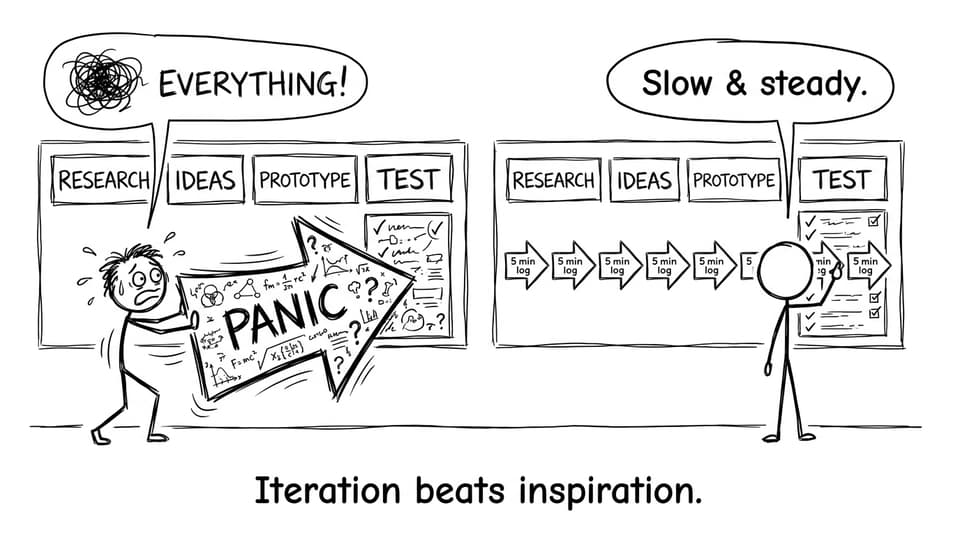
In IB Design Technology, your prototype is the headline. Your documentation is the proof.
Start small: one logbook template, one photo per session, one reflection per week. That’s enough to turn your project into a clear story of iteration, user-centred decisions, and disciplined thinking.
If you want to make documenting (and revising) simpler, build your workflow around RevisionDojo: use the IB Design Technology hub for structure, the Questionbank for exam practice, the Coursework Library and Grading tools for rubric alignment, and AI Chat when you need your thinking translated into examiner-friendly language.
Your work deserves marks. Document it so you actually get them.