




IB Design Technology has a funny way of making beginners feel like everyone else got a secret manual. You walk into class, hear words like “ergonomics,” “user-centred research,” and “iteration,” and suddenly your pencil feels underqualified.
But here’s what most top scorers learn early: IB Design Technology is graded for thinking, not talent. The subject rewards a clear process, smart decisions, and honest reflection. If you can learn to show your reasoning (even when an idea fails), you can do well.
If you want one simple place to orient yourself, start with the IB Design Technology hub on RevisionDojo. It maps the course into notes, Questionbank practice, flashcards, and tools that keep you moving when you feel stuck.
A beginner checklist for IB Design Technology (save this)
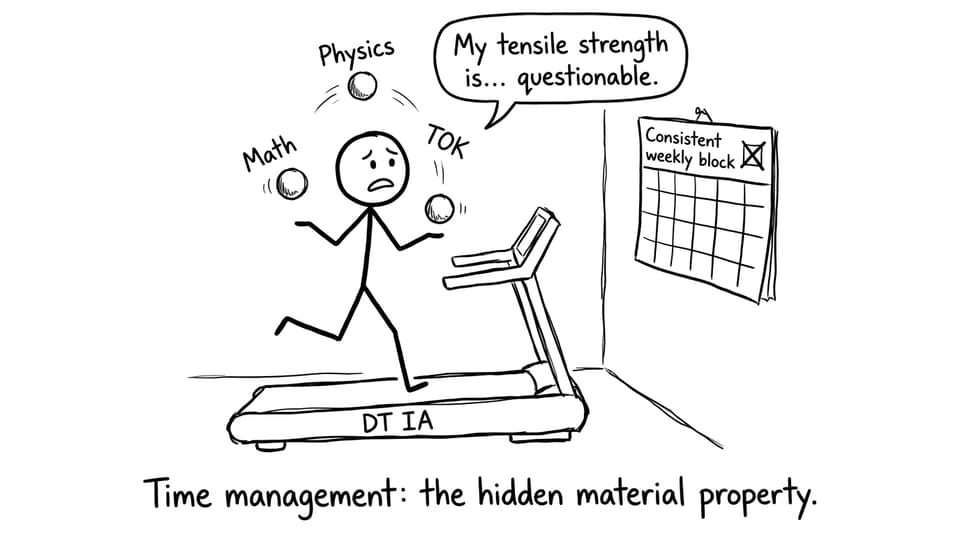
Use this list as your weekly reset. Beginner progress in IB Design Technology comes from repetition, not intensity.
-
Learn the design cycle stages and what evidence fits each stage
-
Keep a design journal that shows decisions, not just outcomes
-
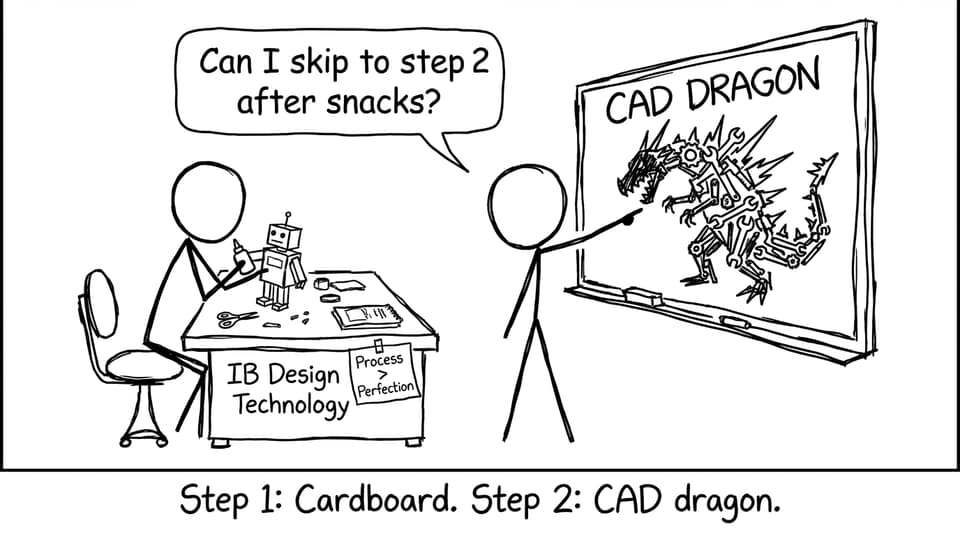
Prototype early with simple materials (cardboard counts)
-
Collect user feedback and act on it (document both)
-
Build exam confidence with small, frequent question practice
-
Use RevisionDojo to link syllabus content to exam-style tasks
For a fuller strategy routine, you can borrow structure from Best Study Strategies for IB Design Technology Students.
Start with the design cycle (because it solves the “what do I do next?” problem)
In IB Design Technology, the design cycle is more than a poster on the wall. It’s your decision-making story.
As a beginner, aim to answer one question per stage:
-
Research / inquiry: What is the real problem, and who has it?
-
Ideation: What options could solve it, and why are they plausible?
-
Development: How did you improve one option through iteration?
-
Testing and evaluation: What does evidence say, and what would you change next?
When exams arrive, the same logic appears in different clothing: analyze a product, justify choices, evaluate impacts, propose improvements. You’re still using the same “story spine.”
If you want examples of how DT content is organized by topic, browse something concrete like Classic Design (Topic 6) on RevisionDojo to see how definitions, examples, and exam practice connect.
Prototype like a beginner on purpose
Beginners often think prototyping is a reward you get after you “learn enough.” In IB Design Technology, prototyping is how you learn.
Start with prototypes that are deliberately quick:
-
paper mock-ups for layout and ergonomics
-
cardboard models for form and size
-
tape-and-string mechanisms to test motion
-
simple CAD shapes only after you’ve proven dimensions physically
This matters for exams too. The course is full of questions where you must justify why a certain modelling method fits a goal (speed, cost, precision, testing realism). If you’ve actually tried quick prototypes, your answers sound real.
To practise exam-style wording, use a focused Questionbank topic like Modelling and Prototyping Questionbank (B2.2).
Your design journal is not a diary. It’s evidence.
A strong design journal is basically a trail of receipts: “Here is what I thought, here is what I did, here is what changed, here is why.” That’s the heart of IB Design Technology.
Try this simple journal template for each work session:
-
Goal: one sentence (what you wanted to find out)
-
Action: what you built, tested, or researched
-
Result: what happened (include photos, sketches, measurements)
-
Decision: what you’ll change next and why
This is where RevisionDojo helps in a very practical way: you can revise content with Study Notes, then immediately convert it into exam-ready language using the Questionbank and AI Chat.

If you want a dedicated guide to building better notes around DT concepts, see How to Create Effective IB Design Technology Revision Notes.
Learn the “quiet” fundamentals: materials and production
Many beginners focus only on the product idea. Then exams hit and you’re asked to justify materials, sustainability trade-offs, and manufacturing constraints.
Two high-leverage areas to begin:
-
Material properties: strength, stiffness, density, durability, thermal behavior
-
Production thinking: quality control, scale, cost, systems, and feasibility
For an approachable start, use targeted notes such as Properties of Materials Notes (4.1) and something production-focused like Production systems (4.5).
These topics show up everywhere in IB Design Technology: product analysis, design justification, evaluation, and ethics.
Train for exams the same way you train a prototype: iterate
A beginner mistake is waiting until you “finish learning” before you practise exam questions. In IB Design Technology, practice is the learning.
A simple weekly loop:
-
Study Notes (short): one concept you keep avoiding
-
Flashcards (daily): key definitions and processes
-
Questionbank (3 times/week): small sets, then review mistakes
-
Mock Exams (weekly or biweekly): timed stamina and structure
RevisionDojo is built around this loop: Study Notes, Flashcards, Questionbank, AI Chat, Grading tools, Predicted Papers, and Mock Exams all in one place.
For realistic timed practice, add Design Technology Predicted Papers once you’ve built baseline confidence.
If you need general pacing advice that applies to DT too, How to Study for IB Exams: Step-by-Step Guide is a strong structure to borrow.
Closing: the beginner advantage in IB Design Technology
The secret advantage of being new to IB Design Technology is that you’re not attached to your first idea. You can prototype quickly, listen to feedback, and improve without taking changes personally. That mindset is exactly what the course rewards.
If you want a clear path from “I’m new” to “I can score well,” start with the IB Design Technology hub, then build your routine around Study Notes, Flashcards, Questionbank practice, and timed Mock Exams. RevisionDojo keeps your process visible, your progress measurable, and your exam prep calm, which is what beginners need most.