


If the CPU is the “brain,” why does it feel like it forgets everything the second you look away?
That frustration is common in IB Computer Science because the CPU isn’t one magical thing. It’s a tight team of parts that each do one job extremely well, over and over, at insane speed. In exams, marks usually come from precision: saying which component does what, and when. Once you can picture the teamwork, CPU questions stop feeling like definitions and start feeling like a story you can retell.
The CPU in one exam-ready checklist (IB Computer Science)
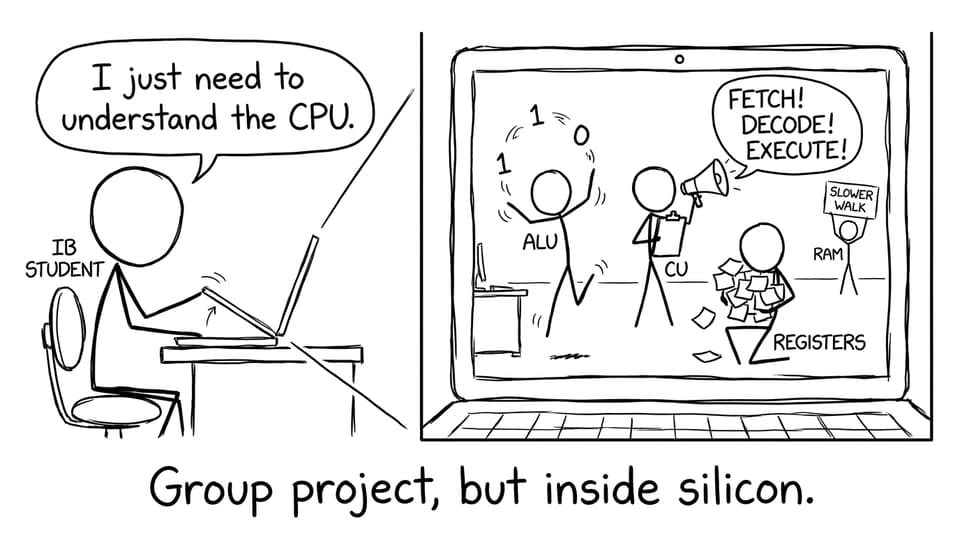
When you explain the CPU in IB Computer Science, hit these points clearly:
-
The CPU executes instructions and controls data flow.
-
The ALU performs arithmetic and logic.
-
The Control Unit (CU) fetches/decodes and sends control signals.
-
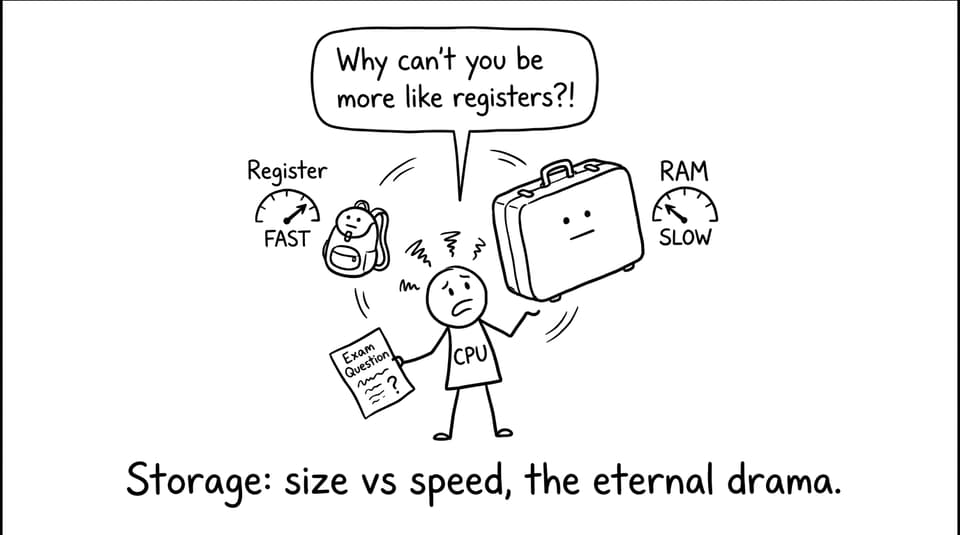
Registers are tiny, ultra-fast storage inside the CPU for current data, instructions, and addresses.
For fuller syllabus-aligned notes, use Computer Organization study notes and the focused page on CPU and the machine instruction cycle.
ALU explained: the CPU’s calculator (IB Computer Science)
The Arithmetic Logic Unit (ALU) is the part students usually understand but then accidentally over-credit.
In IB Computer Science, the ALU:
-
Does arithmetic: add, subtract (and conceptually multiply/divide).
-
Does logic: AND, OR, NOT, comparisons like greater-than.
What the ALU does not do is “decide what happens next.” It doesn’t manage timing, it doesn’t fetch instructions, and it doesn’t coordinate memory. It simply executes the operation it’s given.
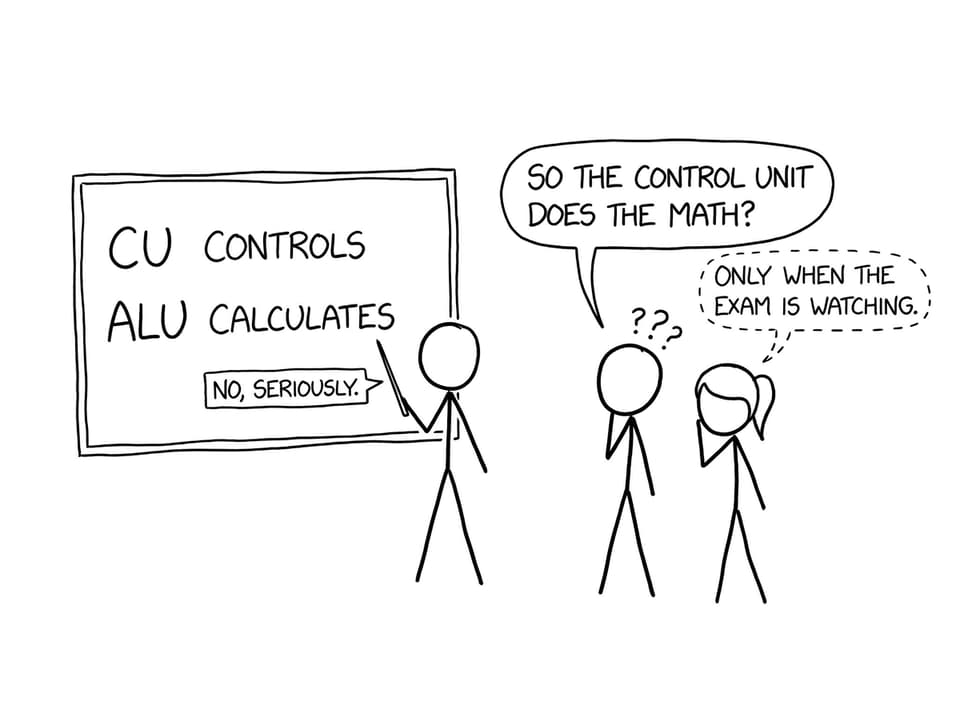
A useful exam sentence: “The ALU performs calculations and logical comparisons, but the control unit coordinates when and how those operations occur.”
Control Unit explained: the conductor, not the musician
The Control Unit (CU) is the reason the CPU feels like a system, not a pile of parts.
In IB Computer Science, the CU:
-
Fetches the next instruction from memory.
-
Decodes the instruction (figures out what needs to happen).
-
Sends control signals to the ALU, registers, and memory/buses so the right movement happens at the right time.
Students lose easy marks by describing the CU as if it “does calculations.” A cleaner mental model is: the CU is a manager with a checklist; the ALU is the specialist who actually performs the operation.
To tie CU language directly to the syllabus process, revise The Fetch-Decode-Execute Cycle Explained Simply alongside the component roles.
Registers explained: tiny memory, massive marks
Registers are small enough to seem insignificant, but in IB Computer Science they often separate vague answers from full-mark answers.
Registers are:
-
Inside the CPU
-
Very fast
-
Used for temporary storage during execution
Examples you should recognize in system questions: PC (program counter), IR (instruction register), MAR, MDR, accumulator.
If you want the bigger “data movement” picture (registers + buses + memory), connect this topic to Registers, Buses, and Memory: How Data Moves Inside a Computer.
How they work together (the part examiners actually want)
Most IB Computer Science questions are really asking: “Can you narrate the machine instruction cycle without mixing the roles?”
A clean flow looks like this:
-
CU fetches the instruction into the IR (using the PC to know where to look).
-
CU decodes and sets up the right control signals.
-
Data moves into registers.
-
ALU executes the arithmetic/logic operation.
-
Result is stored in a register and/or written back to memory.
If performance gets mentioned, you can extend with cache language (hit/miss) using Cache Hits and Cache Misses Explained for IB Computer Science.
Using RevisionDojo to lock this into exam muscle memory
Knowing definitions is one thing; producing exam phrasing under pressure is another. RevisionDojo is built for that gap:
-
Use the IB Computer Science resources hub to organize topics.
-
Drill CPU questions in the Computer Organization Questionbank with instant feedback.
-
Reinforce with Study Notes and Flashcards, then sanity-check explanations with AI Chat.
-
When you’re close to exams, build Mock Exams and use Grading tools to see what an examiner would actually reward.
Conclusion: turn “CPU” into a story you can repeat
Once you see the CPU as a loop of teamwork, IB Computer Science becomes easier to explain under exam conditions. The control unit keeps time and gives orders. The ALU performs the calculations and logic. Registers hold the immediate ingredients so nothing slows down.
If you want this to stick, practise it the way it’s assessed: use RevisionDojo’s Computer Organization Questionbank, then revisit the explanation with the fetch-decode-execute guide until you can write it cleanly from memory. That’s the difference between “I kind of get CPUs” and scoring consistently in IB Computer Science.