
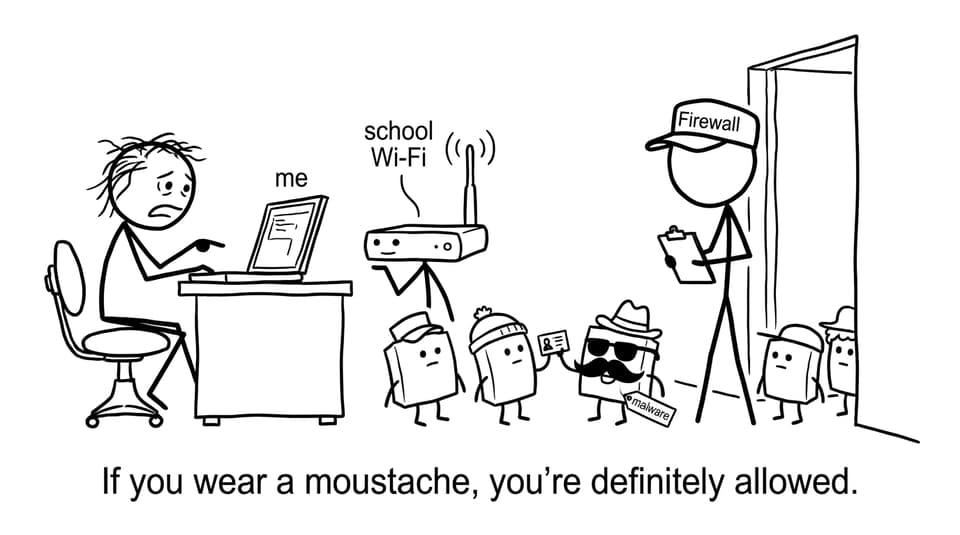
If you have ever joined school Wi-Fi and felt a tiny moment of relief when it connected, you already understand the emotional job of a firewall: standing between you and the chaos.
In IB Computer Science, firewalls show up in exactly that role, not as magic shields, but as rule-following gatekeepers that decide what traffic is allowed to enter or leave a network. The exam loves them because they are practical, easy to place in a scenario, and surprisingly easy to explain badly.
Firewall basics (what you must say in IB Computer Science)
A firewall is a security system that monitors and controls network traffic using a set of predefined rules. In IB Computer Science language, it is the barrier between a trusted internal network and an untrusted external network.
Quick checklist for a full-mark definition:
-
Controls incoming traffic (what is allowed in)
-
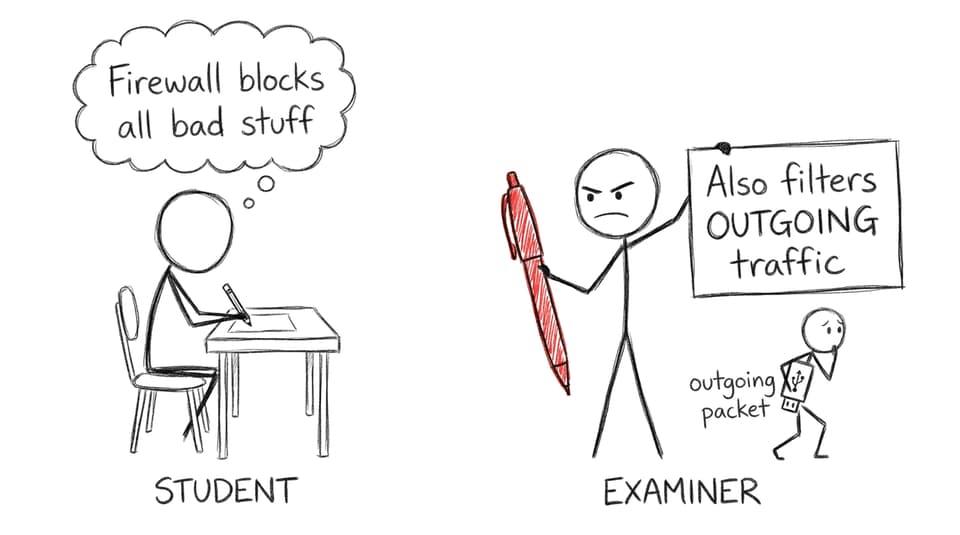
Controls outgoing traffic (what is allowed out)
-
Applies rules to packets/connections
-
Can allow, block, and log traffic
For syllabus-aligned detail, the clearest reference point is RevisionDojo’s A2.4 Network security hub and the focused notes on A2.4.1 Effectiveness of Firewalls.
Hardware firewall (network-wide gatekeeper)
A hardware firewall is a physical device placed between your internal network and the outside world (often built into a router, or deployed as a dedicated security appliance).
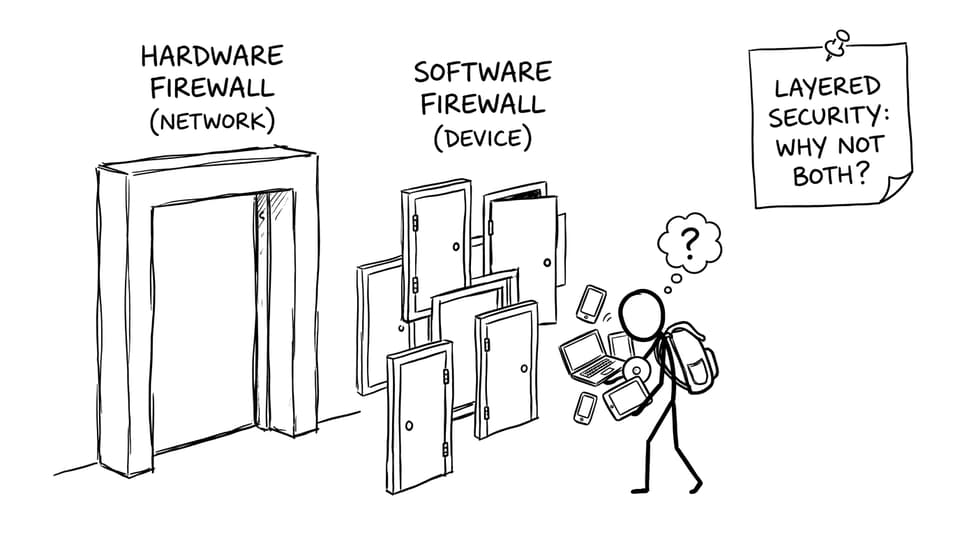
In IB Computer Science, the key point is scope: it protects all devices on that network.
Strengths you can justify in an exam scenario:
-
Filters traffic before it reaches endpoints (laptops, phones, servers)
-
Always on at the network edge, so it is harder for a single infected device to “turn it off”
-
Centralized control for schools and organizations
This ties nicely into “roles in a network” answers too; see Roles of Computers in a Networked World.
Software firewall (device-level rules and detail)
A software firewall is installed on an individual computer or server. It monitors traffic for that one device and can be configured per app, per port, or per connection type.
In IB Computer Science, the key point is control: it can be more granular than hardware.
Strengths you can justify:
-
Fine-tuned rules (example: allow your browser out, block an unknown app)
-
Better per-device logs and alerts
-
Useful for laptops that leave the school network and join unknown Wi-Fi
Weakness to mention clearly:
- If the device is compromised, malware may disable it or manipulate settings
Hardware vs software firewall (the comparison that earns marks)
When a question asks “compare,” you should show both sides, then make a decision.
Hardware firewall
-
Protects the whole network
-
Harder to bypass from a single endpoint
-
Less personalized per device
Software firewall
-
Protects one device
-
Highly configurable per application
-
Can be disabled if the device is compromised
Best exam line: many real networks use both for layered security.
To practice how these comparisons are marked in IB Computer Science, use the Networks Questionbank or the newer-syllabus A2.4 Questionbank.
How firewalls connect to segmentation (simple, exam-friendly)
Firewalls often sit between network segments (for example, a student network vs an admin network). The idea is not just “keep outsiders out,” but “limit what insiders can reach.”
A strong IB Computer Science explanation:
-
Segmentation creates separate zones
-
Firewall rules restrict traffic between zones
-
Sensitive systems get fewer allowed connections and better monitoring
Common mistakes IB students make
-
Saying a firewall “blocks all traffic” (it filters based on rules)
-
Mixing it up with antivirus (different purpose)
-
Forgetting that outgoing traffic matters
-
Describing hardware vs software without stating the scope difference
Conclusion: treat firewalls like exam storytelling
A firewall is not a superhero. It is a disciplined rule-set that decides what gets in, what gets out, and what gets recorded. In IB Computer Science, the hardware vs software distinction is really about where the control sits: at the network boundary or on the individual device.
If you want to turn this into easy marks, revise the definitions, practice comparisons, and rehearse one scenario explanation. Then consolidate using RevisionDojo’s Questionbank, Study Notes, and Flashcards, and refine your phrasing with AI Chat and Grading tools. When exam pressure hits, clarity is the real firewall, and RevisionDojo helps you keep it up.