



If you’re walking into an IB Math exam with the kind of quiet confidence that only comes from practice, the last thing you expect is a tiny icon on your calculator becoming the main character.
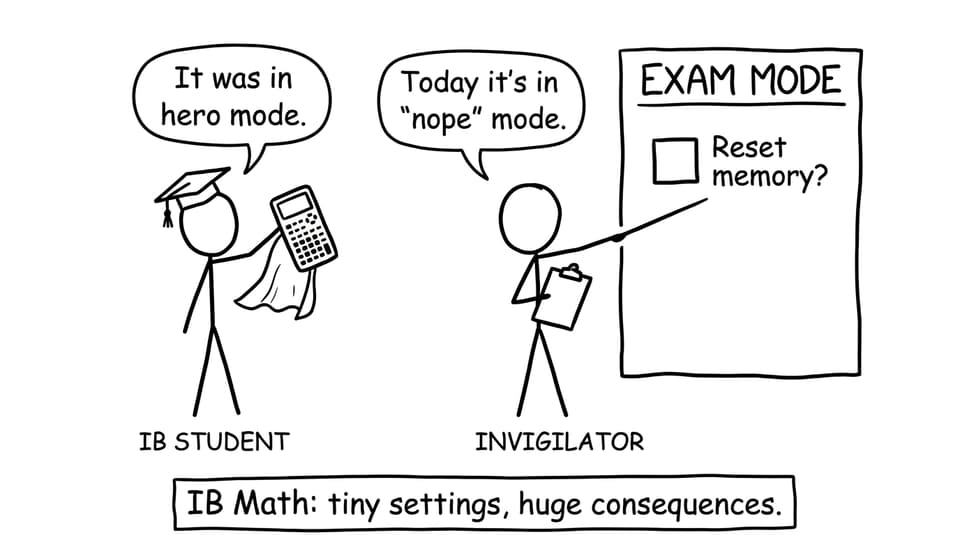
But that’s exactly what happens when your calculator isn’t in Exam Mode (or Press-to-Test) during the exam. It’s not a “small technicality.” In IB Math, tools and rules are part of the assessment conditions. And invigilators are trained to protect those conditions.
The fast answer: what can happen in IB Math
Here’s what students usually want to know: will you automatically fail? Not always. But you can absolutely lose the thing you were counting on most.
Likely outcome: your calculator gets removed
If your calculator is not in exam mode, invigilators may disqualify the calculator on the spot. That typically means you continue the exam without it. In IB Math Paper 2 (and HL Paper 3), that’s a big problem because many questions assume calculator access for graphing, regression, and efficient computation.
For practical calculator rules and what each paper expects, see How to Use Graphing Calculators During IB Math Exams.
Worst case: your exam may be escalated
If the situation is treated as a breach of exam regulations (for example, the calculator contains stored notes or prohibited functionality), it can be escalated. The IB takes academic integrity seriously, and schools are cautious with anything that creates an unfair advantage.
If you’re unsure whether your model is even allowed, read Forbidden calculators in IB exam.
Why it hurts so much: stress and time collapse
The sneaky damage isn’t only losing a calculator. It’s what happens next.
In IB Math, timing is already tight. If your calculator is taken away mid-paper, you’ll likely:
-
Spend longer on arithmetic and checking
-
Avoid questions that feel “calculator-heavy” (even when they’re very doable)
-
Make more careless errors because your brain is now multitasking: math + panic management
That mental tax is real. And once it starts, it can affect the rest of the paper.
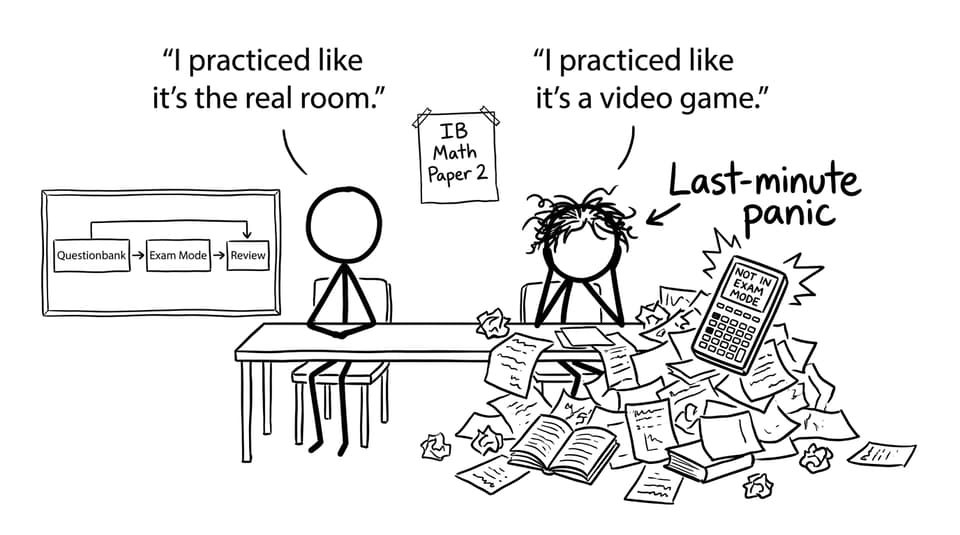
A calm pre-exam checklist (do this every time)
Think of Exam Mode like fastening your seatbelt. You don’t debate it. You just do it.
The 60-second IB Math calculator routine
-
Confirm your calculator is approved and non-CAS
-
Activate Exam Mode/Press-to-Test as your school requires
-
Check degrees vs radians
-
Do one quick “sanity test” calculation (e.g., a simple regression or graph window check)
Need the exact steps by model? Bookmark Step-by-Step: Putting Your Calculator in Exam Mode.
How RevisionDojo helps you prevent this (without adding stress)
A lot of IB Math problems aren’t really math problems. They’re systems problems: you practiced in one environment, then performed in another.
RevisionDojo is built to close that gap.
-
Use the Questionbank to practice the exact question types you’ll face.
-
Run timed sessions in Exam Mode to rehearse pressure, pacing, and calculator routines.
-
Lean on Study Notes when you need clarity fast, then immediately test the concept again.
-
Use Flashcards for daily recall of key methods and settings.
-
After each attempt, ask AI Chat why your method lost marks, then fix it.
-
If you’re preparing for school assessments, follow How to Use RevisionDojo to Prepare for IB Math Mock Exams.
That loop is what makes rules like Exam Mode automatic instead of fragile.
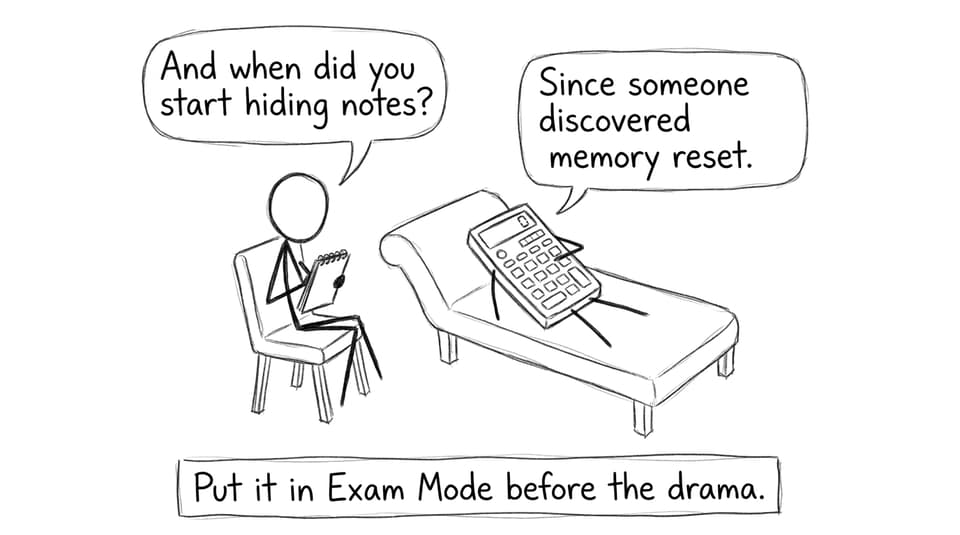
Final thought: in IB Math, small habits protect big scores
In IB Math, exam-day mistakes rarely look dramatic. They look like a forgotten setting, a missing mode, a preventable scramble.
So make it simple: practice with Exam Mode, arrive early, run the 60-second checklist, and keep your focus for the questions that actually earn marks.
When you’re ready to train like the real room, start with RevisionDojo’s IB Math AA resources and build your routine using the Questionbank, Study Notes, Flashcards, AI Chat, Grading tools, Mock Exams, and Predicted Papers, so your calculator never becomes the plot twist again.