



The first time your hand cramps in an IB exam, it feels unfair in a strangely personal way. Not because you didn’t study, but because your body taps out before your brain does. For some students, a laptop isn’t a shortcut. It’s the only way to show what they actually know.
This guide shares Exam Tips for one specific question that comes up every session: who can use a laptop during exams in IB? We’ll cover the core eligibility reasons, what your school typically needs to submit, and how to practice so laptop use helps you earn marks (instead of becoming another thing to worry about).
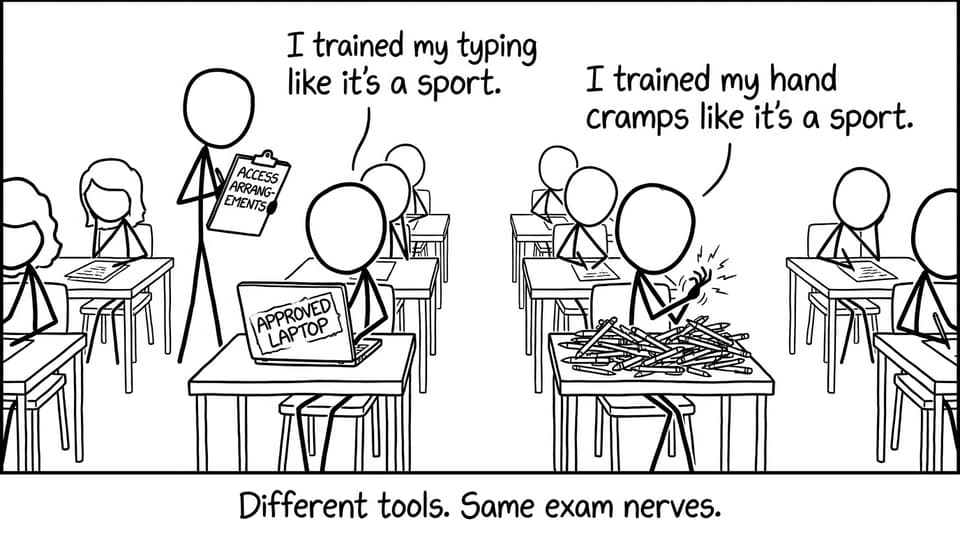
Exam Tips checklist: confirm these before you stress
Before you spiral into forums, get the basics straight. These Exam Tips calm the situation fast:
-
Ask your IB coordinator (or SENCO/learning support lead) whether laptop use is possible for your case
-
Identify why handwriting is a barrier (speed, pain, legibility, fatigue, processing)
-
Check what documentation exists (diagnostic report, medical letter, school support plan)
-
Confirm whether the need is long-term or temporary (injury vs ongoing condition)
-
Practice typed responses under timed conditions, not just “typing notes”
If you’re building an exam-prep system alongside this, use RevisionDojo to keep the rest of your workload predictable: Study Notes for clarity, Flashcards for recall, Questionbank for exam-style practice, AI Chat when you’re stuck, Grading tools for rubric-aligned feedback, plus Predicted Papers and Mock Exams for timed rehearsal.
Who can use a laptop during exams in IB?
The IB’s aim is fairness: remove barriers without giving an unfair advantage. Laptop use is usually approved when handwriting meaningfully blocks a student from demonstrating their knowledge.
These are the most common eligibility categories.
Learning differences that affect writing
Students with diagnosed learning differences like dyslexia or dysgraphia may qualify when handwriting (or written output speed and legibility) becomes a barrier.
The key isn’t the label. The key is evidence of functional impact: what happens to your written communication under time pressure.
Practical Exam Tips here: don’t just describe how stressful writing feels. Show how it affects what you can produce in exam conditions (quantity, clarity, accuracy, completion).
Physical disabilities affecting handwriting
If a physical condition limits handwriting (fine motor control, pain, fatigue, coordination), laptop use can be an appropriate access arrangement. Examples can include arthritis, cerebral palsy, or other conditions that impair sustained writing.
Your documentation typically needs to connect the medical reality to the exam reality: “This student cannot write for X minutes without significant pain/legibility decline.”
Temporary injuries (short-term arrangements)
A broken wrist. A dislocated finger. A recovery period that overlaps with exams. Temporary injuries can sometimes justify laptop use for that exam session.
A strong Exam Tips move: act quickly. Temporary arrangements are time-sensitive, and your school may need specific dates and a clear statement of impact from a doctor.
How the approval process usually works (what to expect)
Schools submit access arrangement requests to the IB on a student’s behalf. Your job is to start early, communicate clearly, and provide the right evidence.
Start with your coordinator or learning support lead
Your first stop is your school’s IB coordinator and/or SENCO/learning support team. They’ll tell you what the school can support, what timelines apply, and what evidence is missing.
If you’re also managing other accommodations, this article can help you map your options: How Much Extra Time Do I Have as a Special Needs Child in IB Exams?
Gather documentation that matches the request
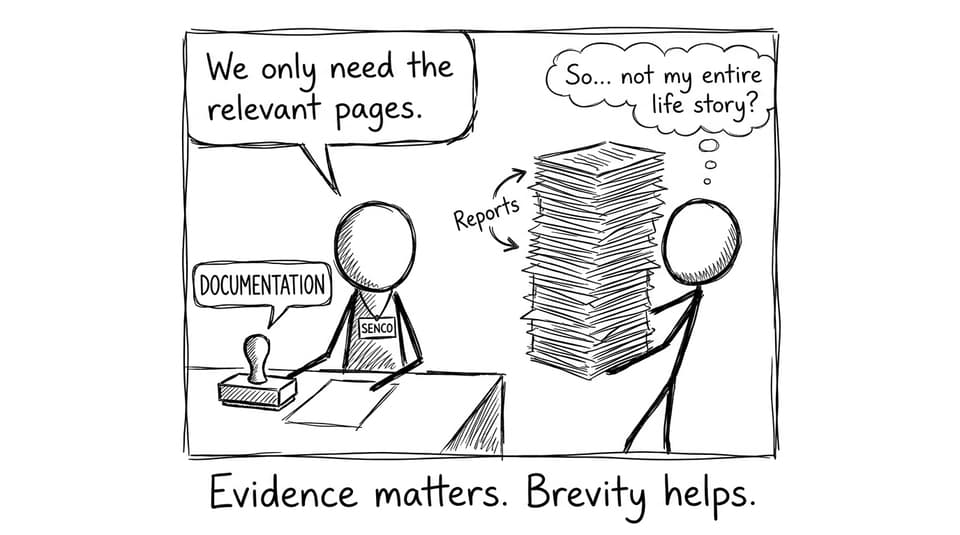
You generally need professional documentation (diagnostic or medical) plus school-based evidence showing the difficulty is real and persistent.
A useful lens: the IB needs to see a barrier, not a preference. That framing keeps your request grounded.
Your school submits the request (and you prepare either way)
Once the school submits, approval can take time. While you wait, prepare for both outcomes:
-
Keep practicing handwriting enough to be safe
-
Also build typed exam fluency so you’re ready if approved
If the bigger pressure is “how do I get through exam season without freezing,” this is worth reading alongside these Exam Tips: IB Exams Without Pausing Your Life
Exam Tips for using a laptop well (if you’re approved)
Laptop approval helps most when you treat it like a skill, not just a device.
Practice typing like it’s part of the syllabus
You don’t want exam day to be the longest typing session of your life.
Use RevisionDojo’s Questionbank to answer exam-style prompts in timed bursts, then tighten your phrasing. If you write essays (English, History, Economics), build speed by practicing introductions, topic sentences, and evaluation paragraphs repeatedly.
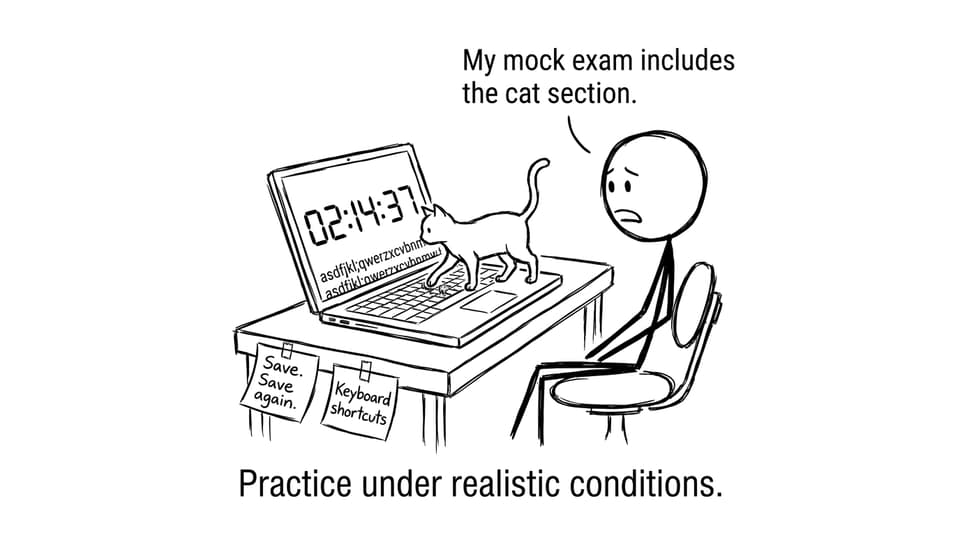
Simulate the exact pressure: timed, imperfect, distracting
The biggest benefit of laptop use is output. The biggest risk is over-editing.
Run timed rehearsals with realistic constraints: plan quickly, type decisively, and move on. If you want structured rehearsal material, this guide helps you choose: IB Predicted vs Specimen Papers: What They Mean
Use tech boundaries so the laptop doesn’t become a distraction story
A laptop can be a support tool in exams and a distraction machine at home. Build rules.
A smart set of Exam Tips: one device for study, notifications off, phone out of reach, and one clear goal per session. This article goes deeper on the mindset: IB Tech Boundaries: Use Technology Without Losing Control
Closing: Exam Tips that keep this fair (and calm)
If you need a laptop in IB exams, the real goal is simple: remove the mechanical barrier so your understanding can show up on the page. That’s not special treatment. That’s access.
Use these Exam Tips to act early, document clearly, and practice like the accommodation is part of your routine. Then build the rest of your prep inside one calm system: RevisionDojo’s Questionbank, Study Notes, Flashcards, AI Chat, Grading tools, Predicted Papers, Mock Exams, Coursework Library, and Tutors help you train the skill that matters most in IB exams, performing on demand.
For related guidance, you may also find these helpful: